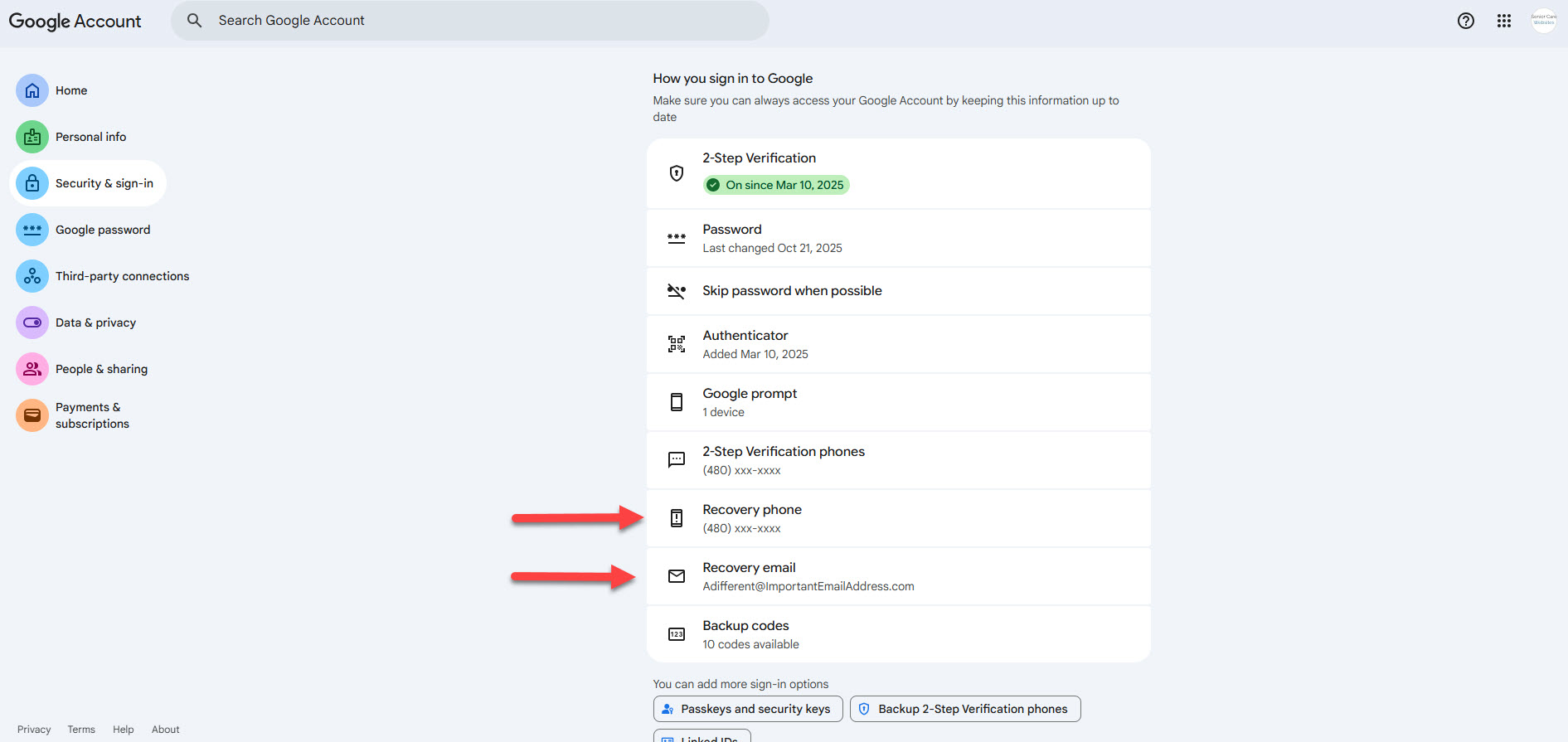
Securing the Google account that owns your Google Business Profile is very important!
Note: Typically a google account will be your gmail.com email address, or it may end in your domain name if you pay for Google Workspace (essentially Gmail for your business domain name).
It is possible to use a non Google hosted email address to create a Google account. This means you could use [email protected], [email protected] or [email protected] to create a Google account as the Google account login can be any email address.
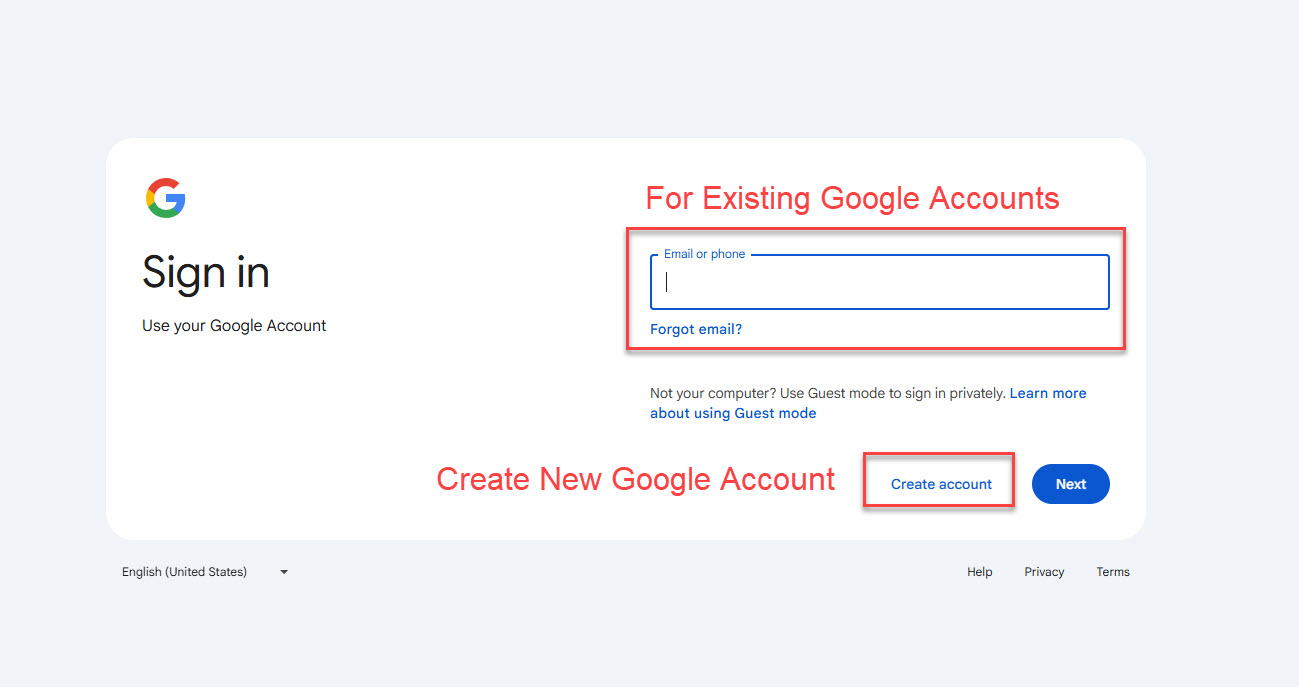
Step 1 – Login to your Google account by visiting https://accounts.google.com (create a new Google account on that URL if you do not have one).